
This function is used for adding phone numbers that do not want to be disturbed from advertising messages. When a phone number is added to this field, the system will no longer be able to send messages to that phone number.
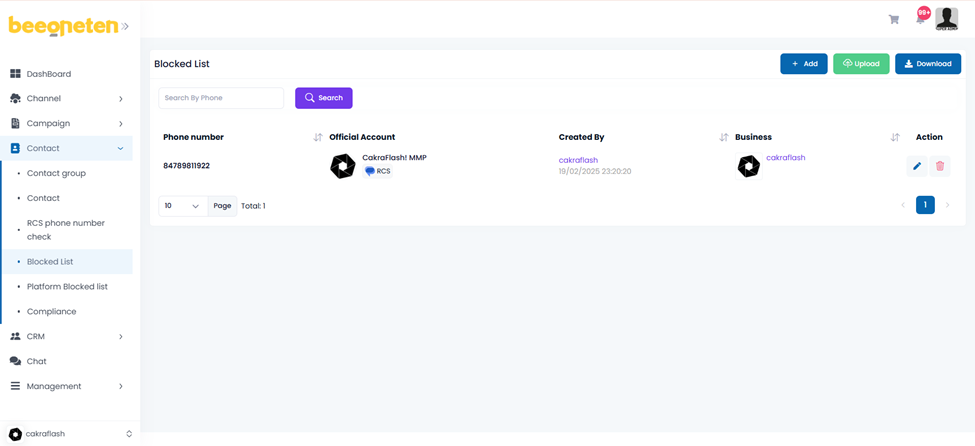
Actively add phone number
- Click Add button (or Upload for multiple phone numbers)
- Select Official account
- Input phone number
- Click Submit
Automatically add phone number (due to customer sending the keyword)
- Send message to customer
- Customer type STOP [Note: applicable for rcs only]
- That customer’s phone number would be automatically added to the blacklist and the system will not be able to send messages to that customer anymore.
Note: the phone number added to which Official account (OA) would not receive the message from that OA. Messages can still be sent to that phone number if you use another OA.
Example: Add your number to the black list with OA 1. Your phone number will not receive any other messages sent out from OA 1. However, that phone number will still receive messages sent out from OA 2.
