
Similar to the process for requesting approval for a Campaign, you must request approval for the template you create.
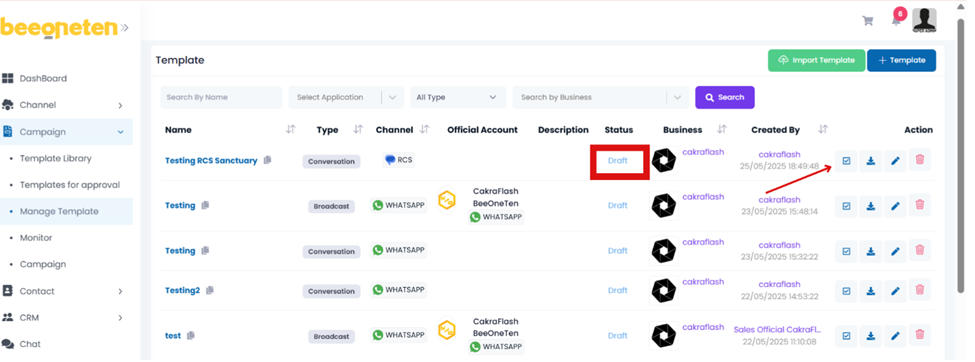
- The first status will be Draft,
- Once you click on the Request Template button, the status will change to Request.
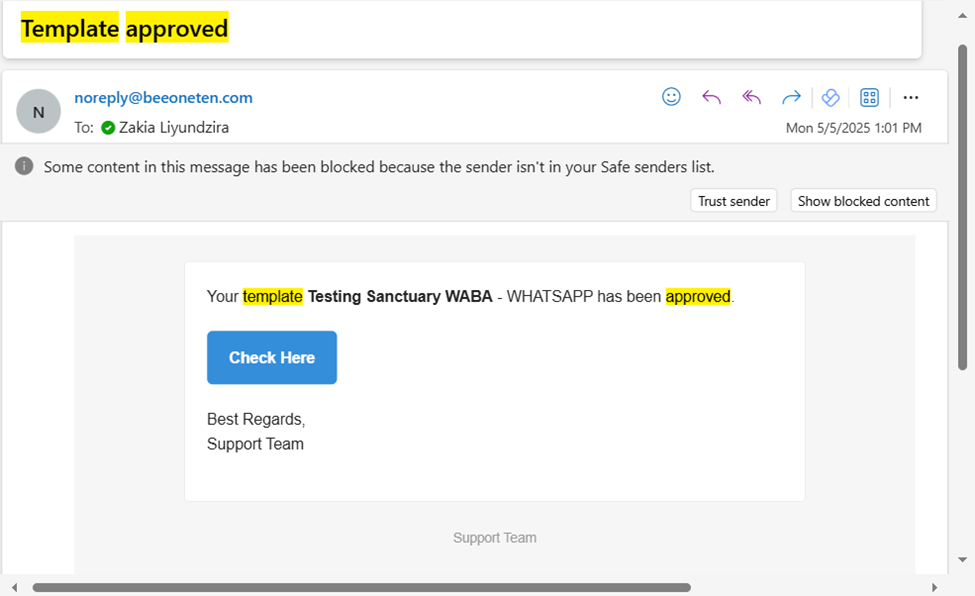
- Finally, when Beeoneten approves it, the status will change to Approved and you will receive an email notifying you that your template has been approved.
You may now use it to include in bulk campaigns.

 Subscribe to our newsletter!