
This feature allows user to filter out a list of phone numbers using RCS from their customer database.
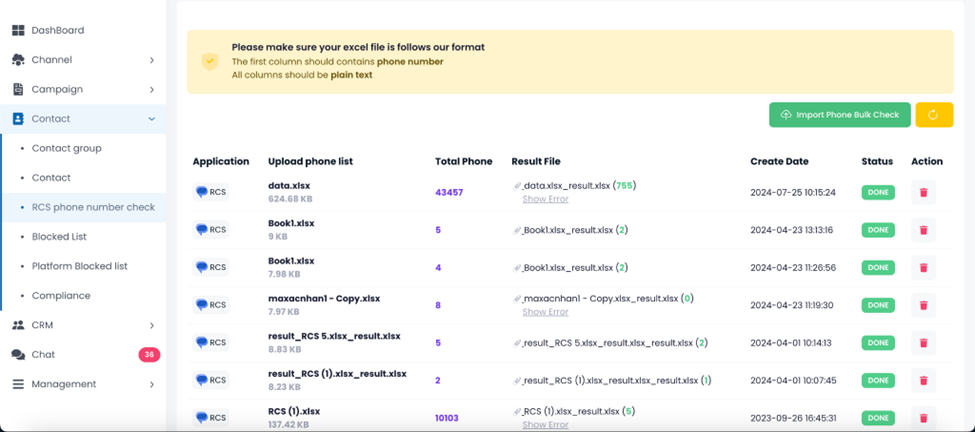
- Click on Import phone bulk check button
- Select your file (xls format)
- Select application as RCS (currently only available for rcs)
- Select official account for checking
- Click on Submit button
Following upload, the system will reveal the total number of phone numbers in your file, as well as how many of them are using RCS.
You are able to download the file that has been filtered with phone numbers but only using the service you selected earlier in the Result file column.
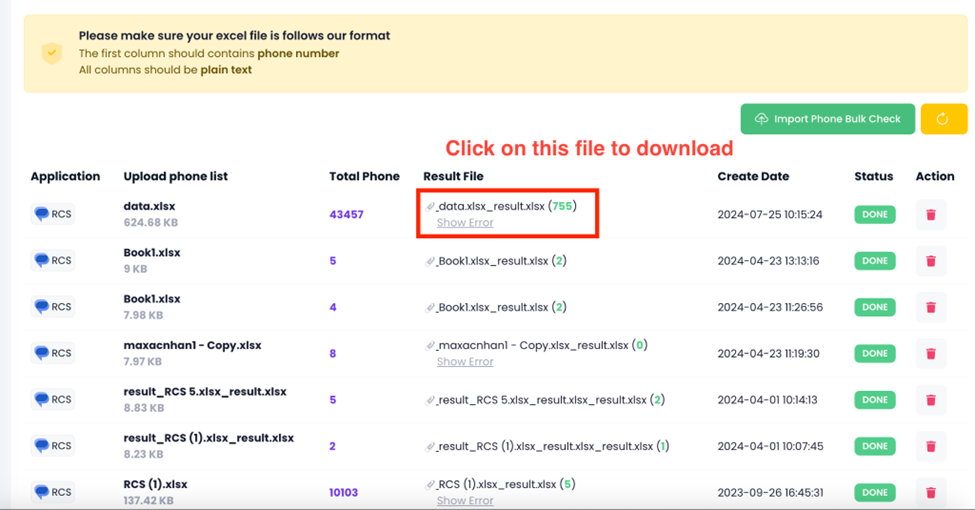
Note: You can only download the file when the displayed status is Done. If the status is Processing or Failed, it will not be able to be downloaded.
