
- Open Contact => Contact
- Click on button New contact
- Select the group you want to import contacts into.
- Input phone number and name
- Click Apply
Note: The phone number must be in the format (country code) your phone number. Do not put the + in front of the country code.
Example: 62901234567
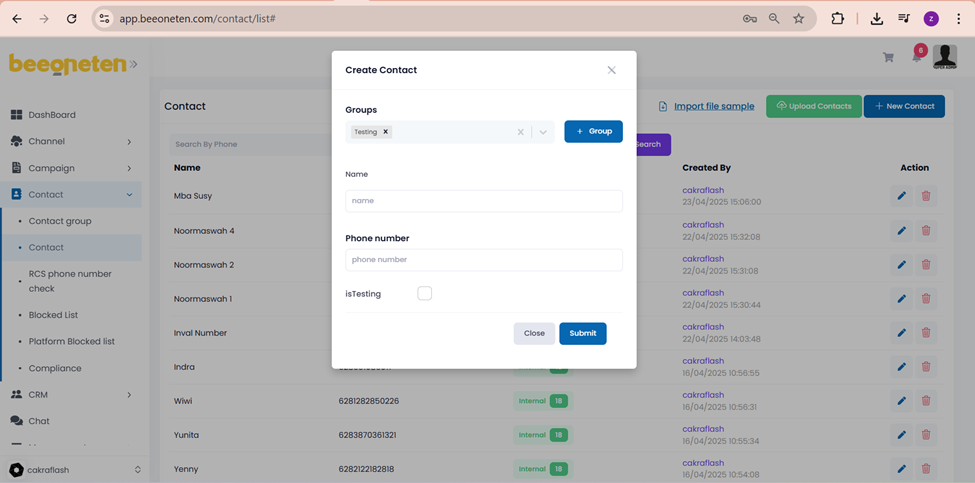
Note: isTesting => tick this box for phone numbers used as test numbers
