Allows you to have an overview of the total number of tickets (those being processed [Open] – [Pending] and those that have been processed [Resolved]) for each agent. Clicking on the eye icon on each agent will take you to all conversations/tickets that agent is handling.
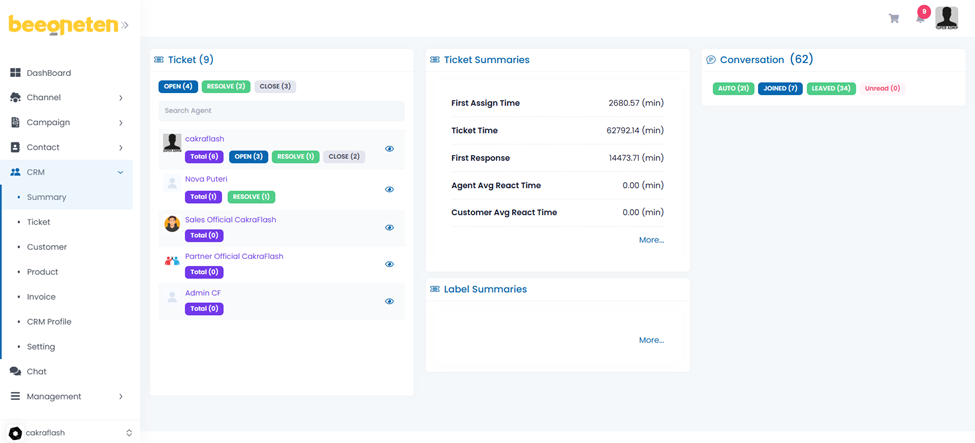
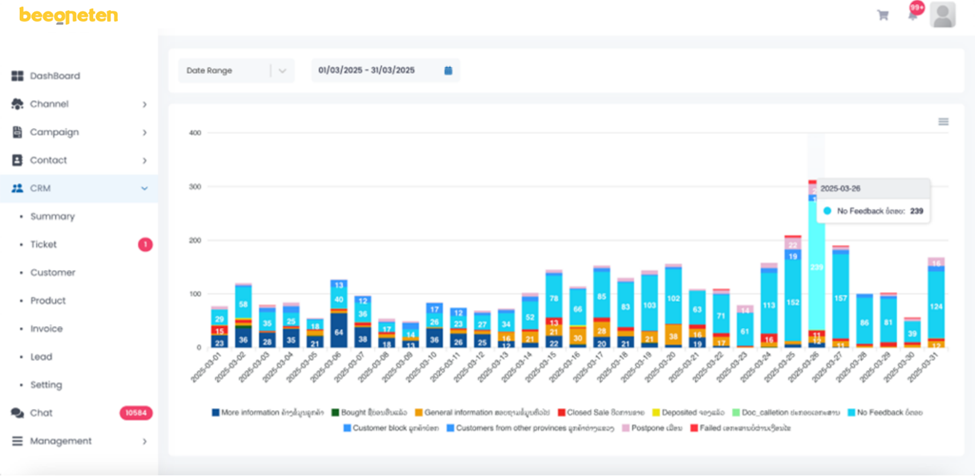
We can also manage the performance of agents through basic metrics in Ticket summaries and manage ticket information in column chart form by labels.