
This section will summarize all the reports that have been exported
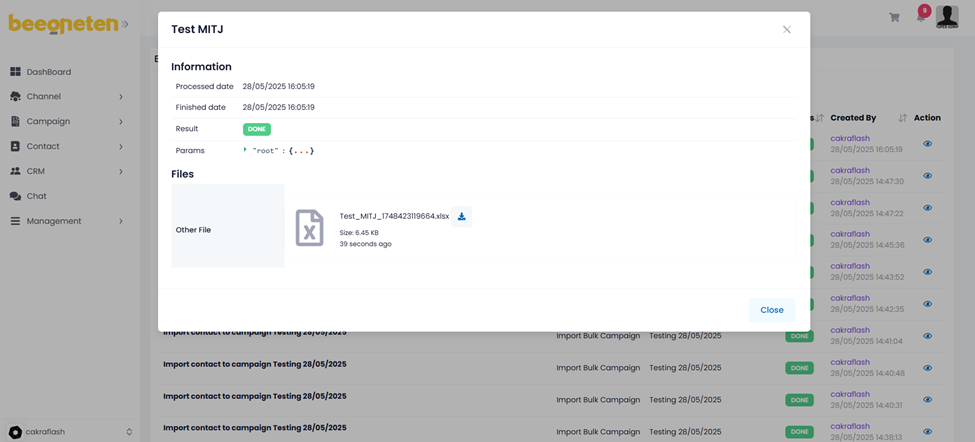
- Click the download button in the Action column corresponding to the report you would like to download
Note:
- Only reports with status Done can be downloaded. For reports with Processing status, please wait until the status changes to Done.
- If the waiting time is too long (more than 1 day) and the status is still Processing, please contact us for further investigation.
