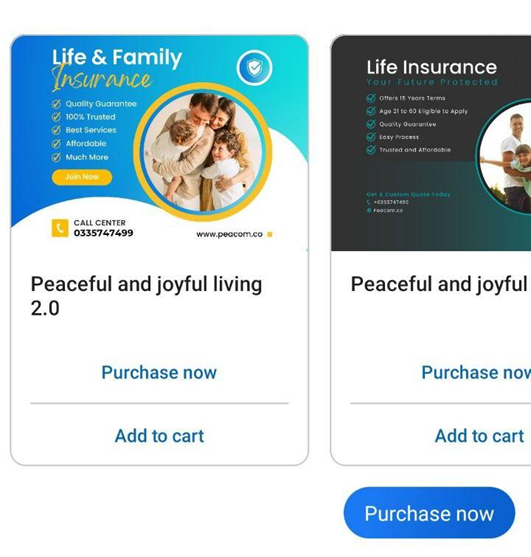
Text
- There is no restriction on text length, but writing too long may result in a layout break.
- For texts that are too long, it is best to prepare a pdf or word file and then convert the type of message into a File that customers can download and read
- Interface for designing on platform
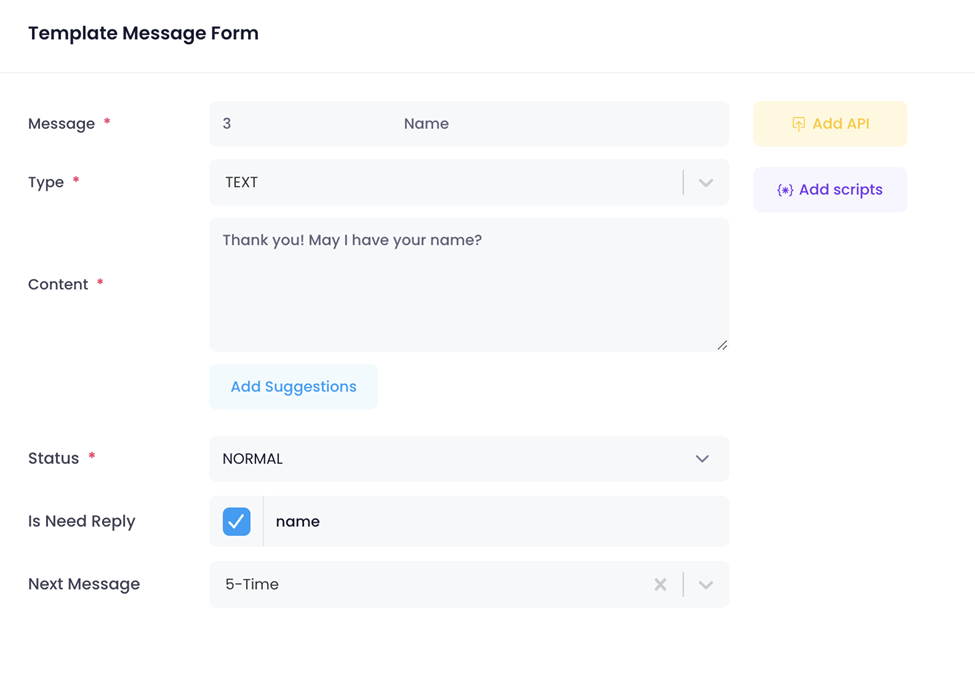
Realistic interface on the app:
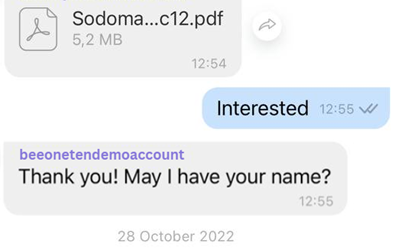
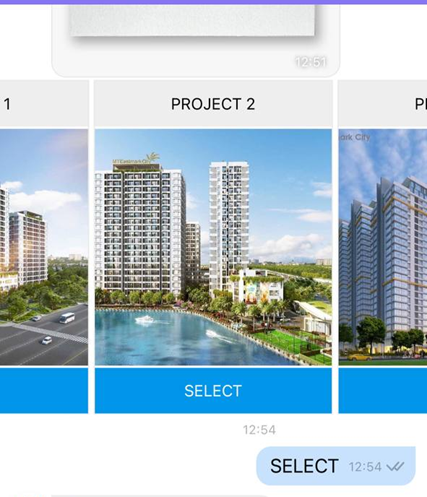
Rich Card
- Able to create single rich card or carousel (multiple rich cards)
- Check Media guidelines for the best display: Media Guidelines
- For rich cards on RCS, only 1 or 2 buttons (suggestions) should be used to avoid layout overflow.
- Avoid writing the description of each rich card with too many words, as this will cause breaking the form.
- Use the following html tag to edit text in bold, italic….: Keyboards | Viber Developers Hub [Viber only]
- Interface for designing on platform:
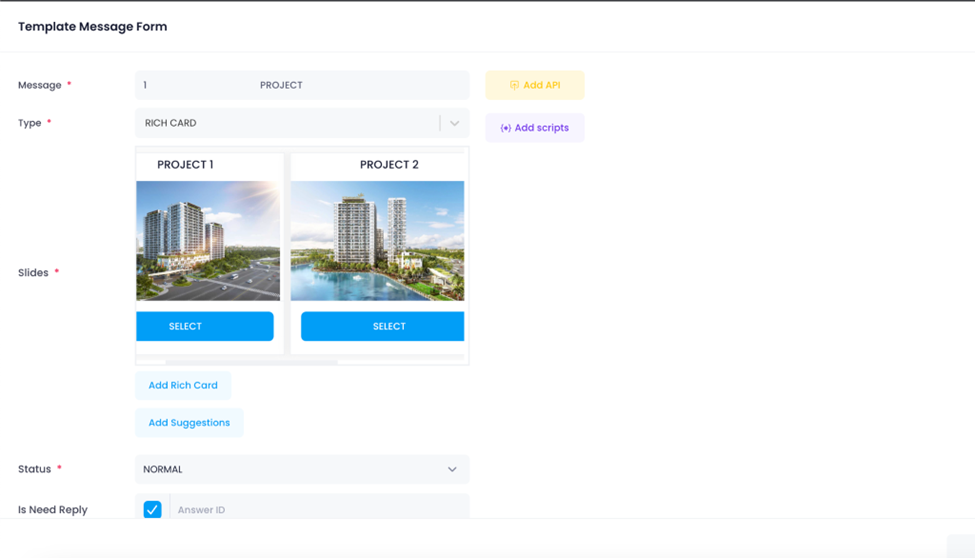
Realistic interface on app
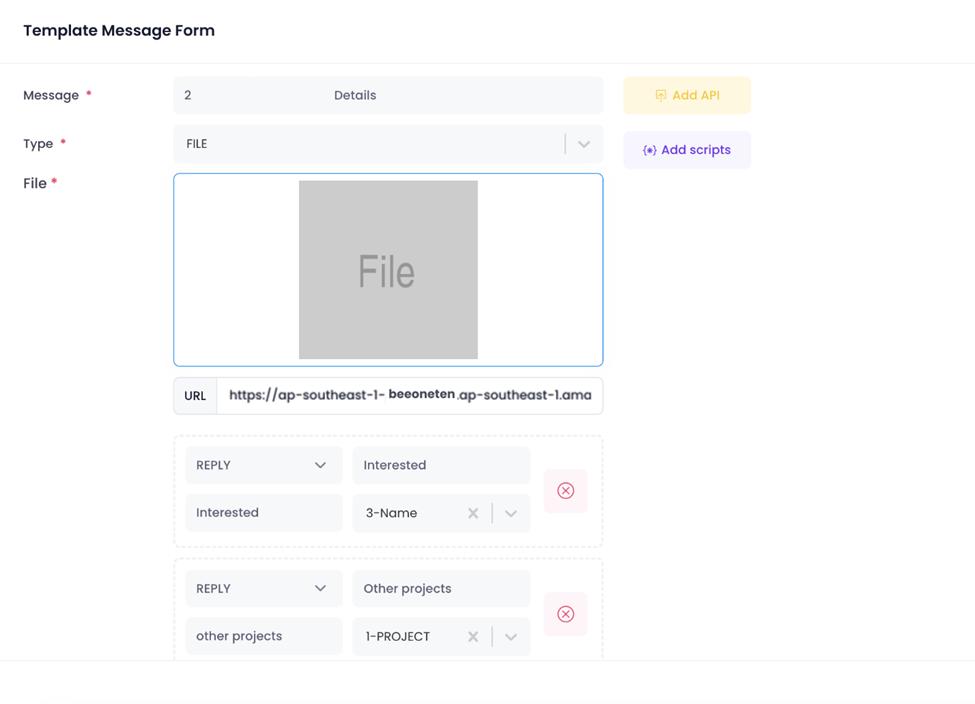
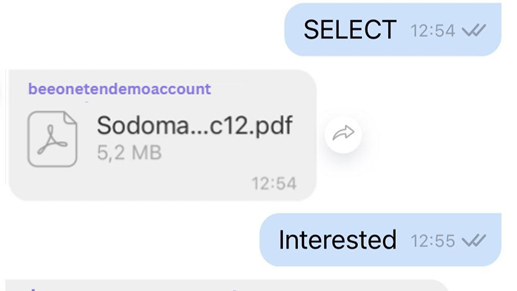
File
- Only available on the Viber app, cannot be used on RCS channel.
- Recommended to send only pdf file type. Maximum size 5MB.
- Regarding RCS channel, it is recommended to upload the file to the drive and provide a link to the customer so that they can download the file.
- Interface for designing on platform:
Realistic interface on app:
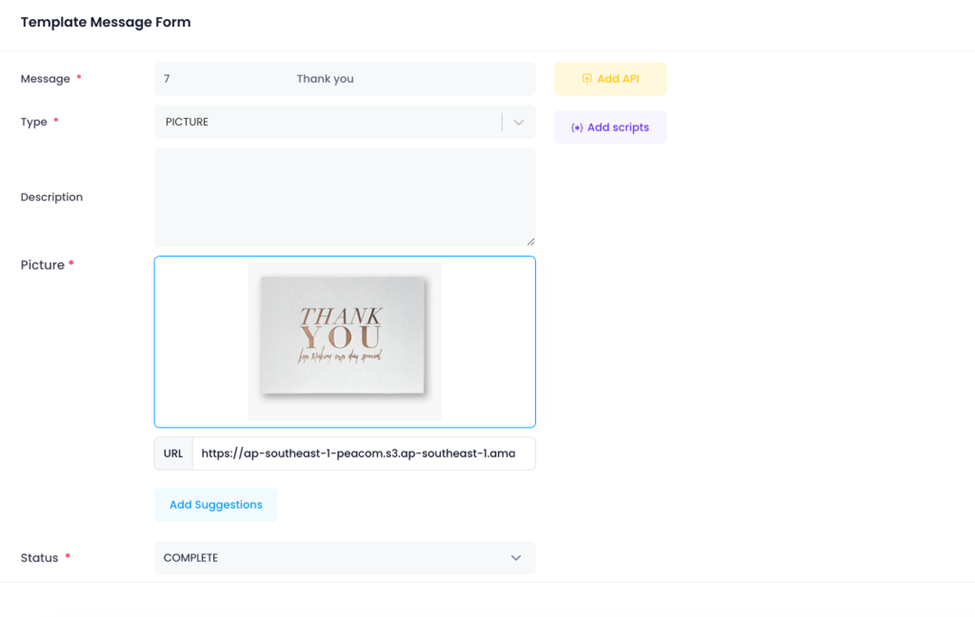
Picture
- Media size shall be optimized for fast download to the user.
- Image size < 1MB
- Interface for designing on platform:
Realistic interface on app:
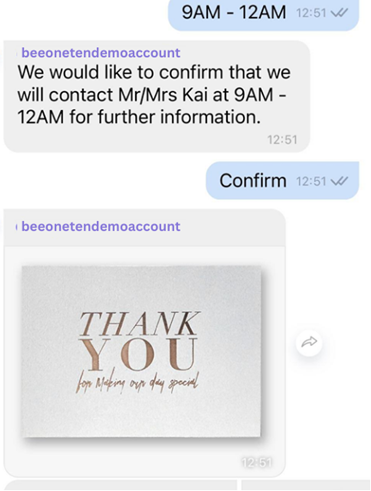
Video
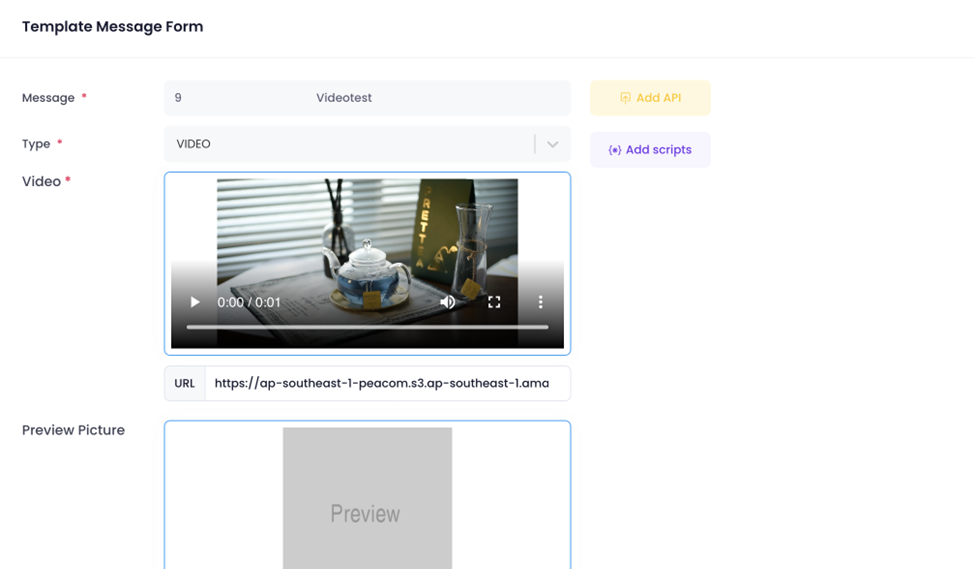
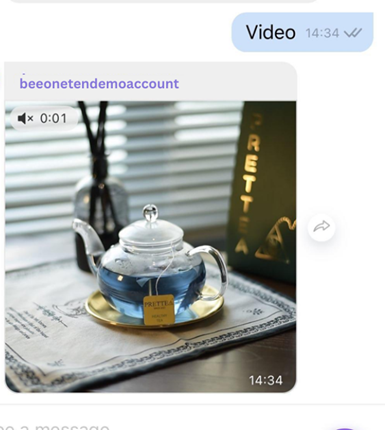
- Video size < 5MB
- Media size shall be optimized for fast download to the user.
- Interface for designing on platform:
Realistic interface on app
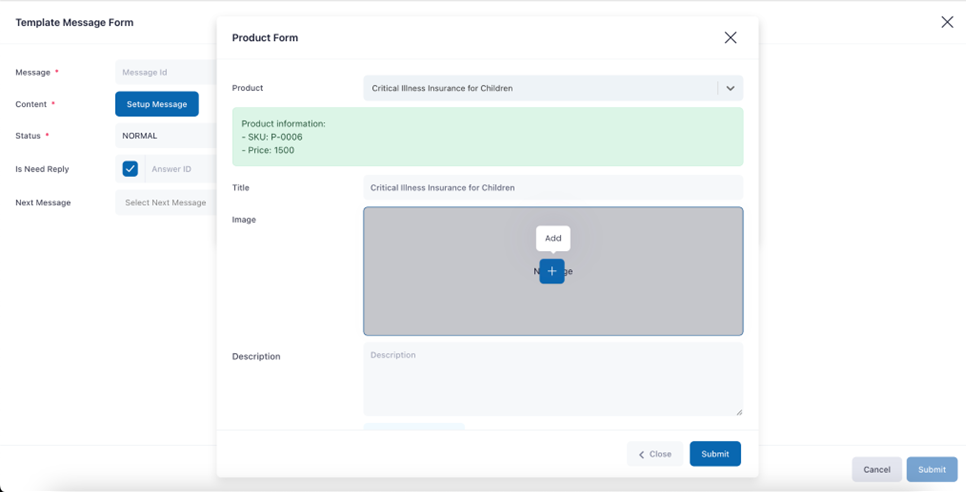
Product List
- Create a product list based on products added from CRM/Product
- Check 12.4 Product List for more info (applicable for RCS only)
- Interface for designing on platform:
Realistic interface on app: