
Purpose: This guideline instructs you how to have a Catalog message on Whatsapp as the following picture.
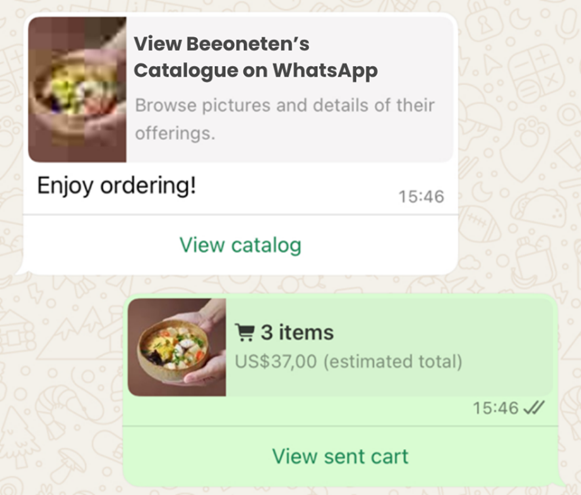
- Key stages:
- Set up your Catalog in Commerce Account in your Meta Business Suite. Refer to 5.9.1
- Connect your Catalog into your Whatsapp Account in your Meta Business Suite. Refer to 5.9.2
- Set up a template message on MMP. Refer to 5.9.3
- Set up Campaign and send Catalog message. Refer to 5.9.4
