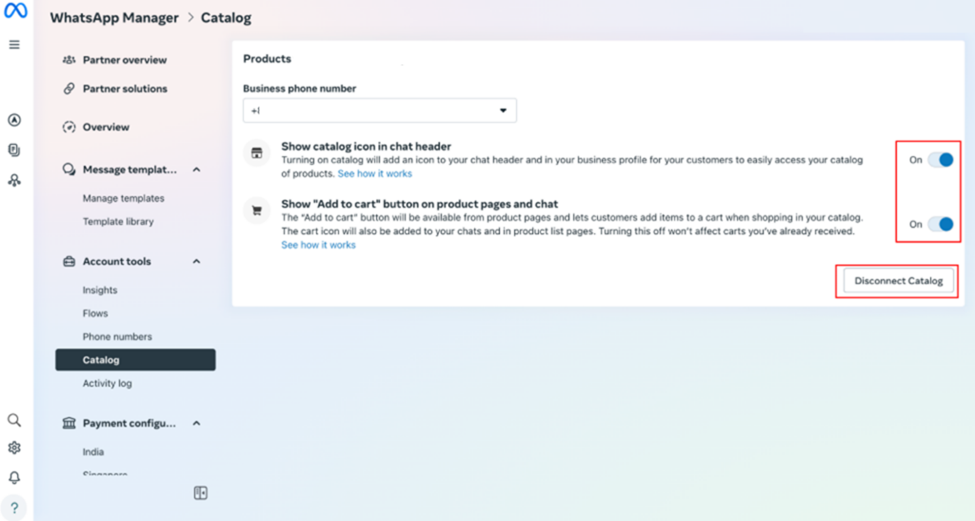
Purpose: To send a Catalog message on Whatsapp, you need to connect your Catalog with your Whatsapp accounts on your Meta Business Suite.
Steps
- Log in to your Meta Business via this link.
- When you successfully log into your account, follow these steps to manage your Whatsapp business account to connect with the catalog.
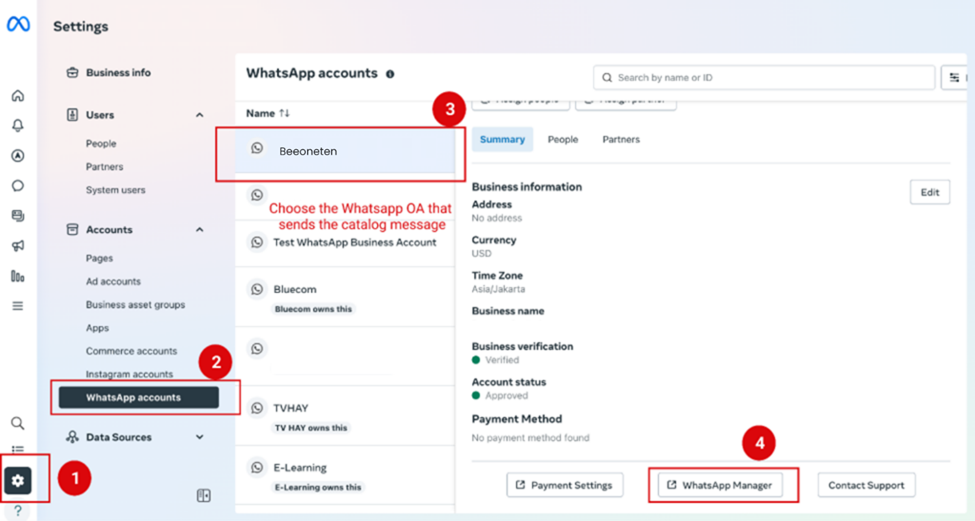
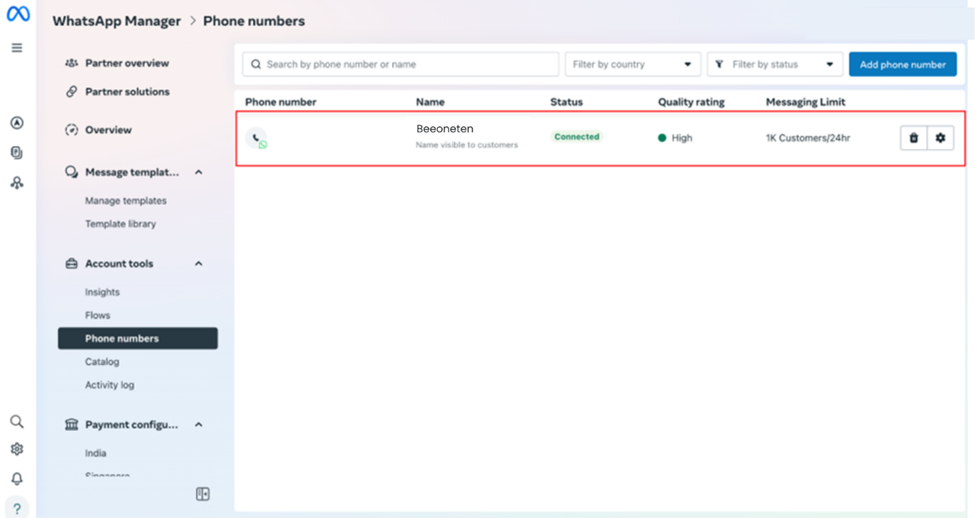
Set up a phone number into your Whatsapp business.
Open Catalog and Choose a Catalog
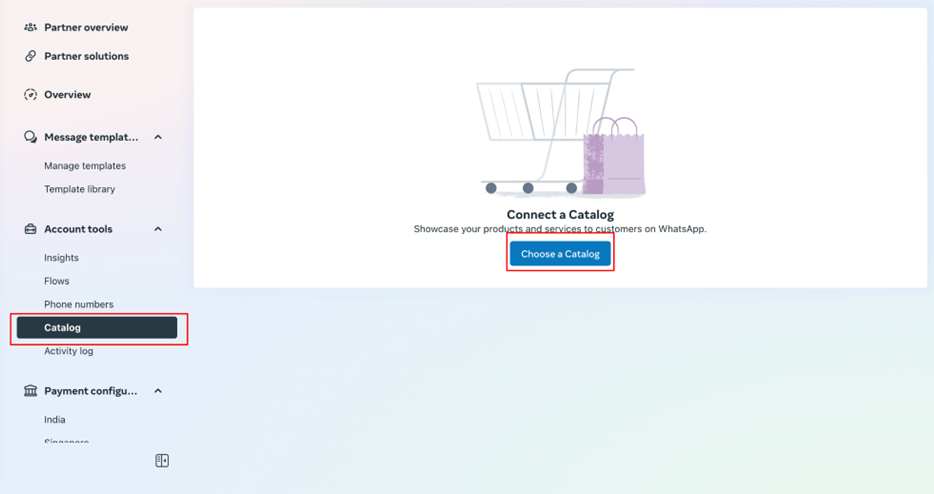
- Connect to a Catalog you already set up in your Commerce Account.
This Catalog is the catalog you want to appear in the Whatsapp chat.
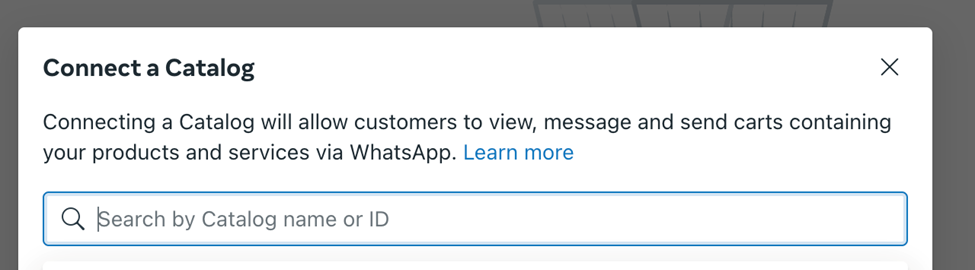
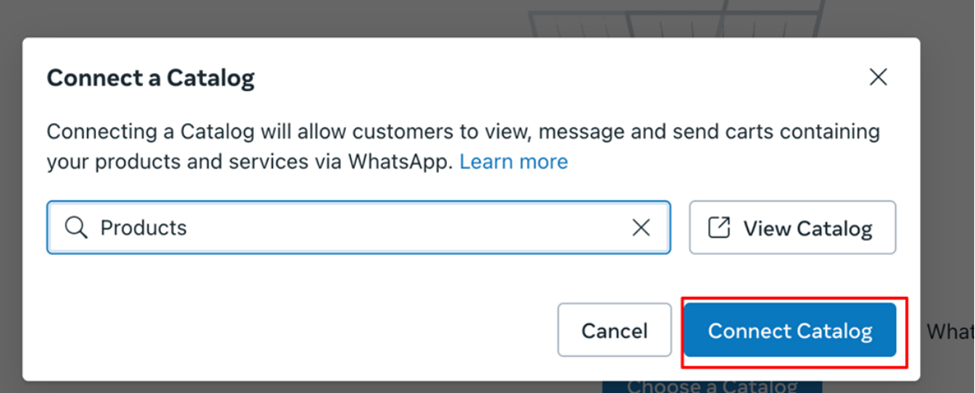
Notice: Only 1 Catalog can connect to 1 Business (in Commerce Accounts) vice versa.
When you successfully connect to the Catalog, you can manage your catalog on how it looks in Whatsapp chat.