If you are the system admin, and you are responsible for approving the template, then when you receive a notification that a user/company has sent a template for approval, you must:
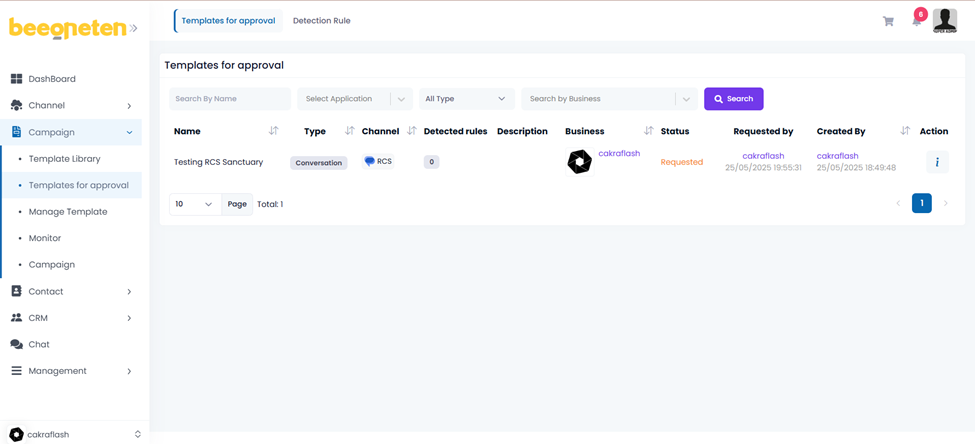
- Click on Templates for approval
- Click on Review template the template you want to check
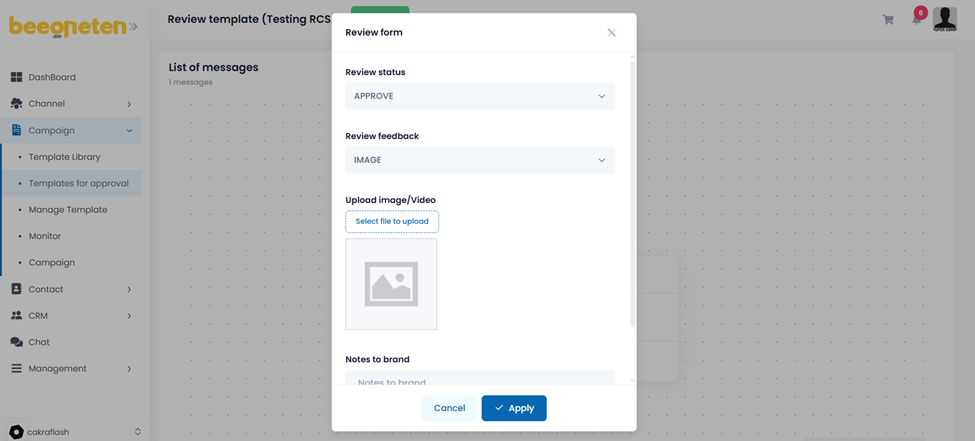
- Check the information in the template, if there is no violation, submit for approval
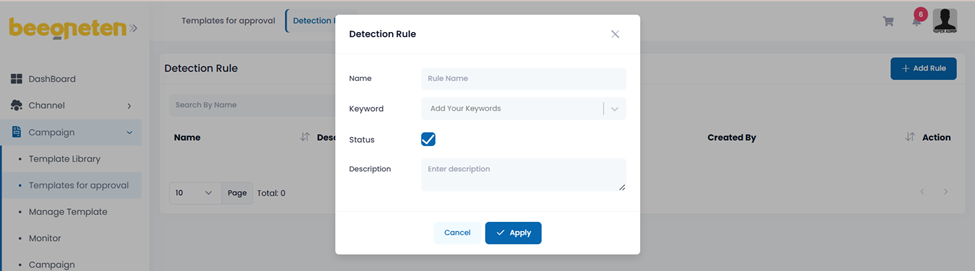
Detection rule:
Admin has the right to stipulate rules for template approval:
- Click on Templates for approval => Select tab Detection rule
- Input keyword you want the system to detect when browsing the template
- Then apply that rule