
The MMP platform supports self-registration accounts for any business user. The user who registers on the MMP through this self-service will be the administrator for the business once the business registration is completed. Other users could be invited from this administrator account.
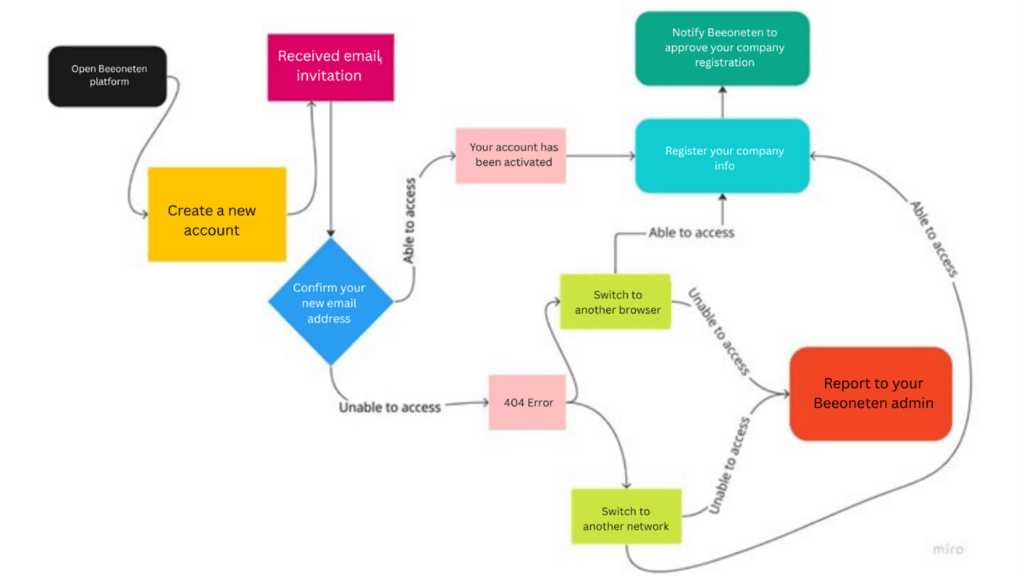
- Open https://app.beeoneten.com/auth/login
- Create an account
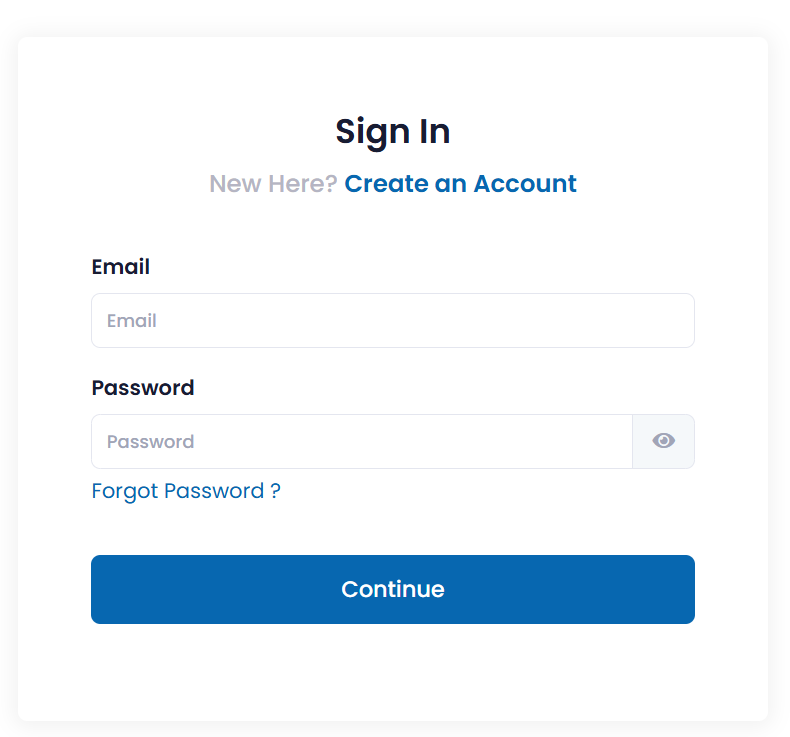
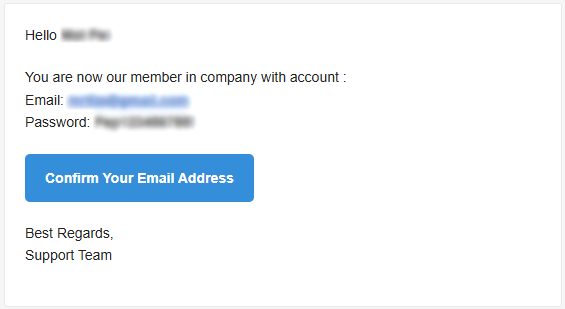
- Once your account is created, you will receive an activation email to the email address you used to register for that account.
- Note: This will be the admin account’s email address.
- Confirm your email address to access the platform
Business Onboarding
As soon as you confirm your email address, you will receive a notification that the email has been activated
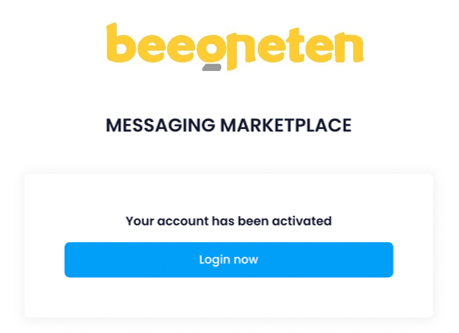
- Click on Login Now
- Then fulfill all the necessary information and attach the documents of your company.
- Notify Beeoneten to approve your company registration
2. Official Account Management
2.1 Request RCS (Rich Communication Services)
For accounts used to send RCS, you need to request Super Admin.
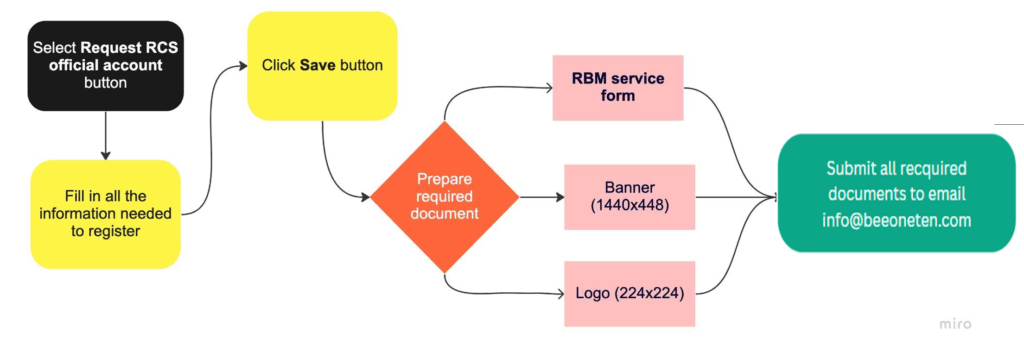
- Select Official account section on drop-down menu list on your left screen
- Click on Request RCS button
- Fill in all the information needed to register your brand’s information and click on Save Changes button when complete.
- Prepare RBM service form: RBM Registration Form
- Prepare Banner (1440×448) and Logo (224×224)
- Submit all required information above to email info@beeoneten.com
- You are able to create multiple accounts for each application or channel you would like to use
2.2 Create Whatsapp OA by Facebook account
Create App for your WhatsApp Business Account
- Open your Business manager on Meta
- Select App => click on Add button
- Then select +Create a new app ID
